
Technology
How HosRocket connects guest rooms to the cloud, watches over the hotel and works with the systems you already run.
HOW IT WORKS
From the room controller to the cloud
HosRocket works with the room controllers your hotel already has. A small server on site connects them to the cloud, and from there to your staff and your systems.
- STEP 1Guest roomEach room controller reports occupancy, doors, requests, temperature and faults.
- STEP 2On-site serverRelays events to the cloud and room commands back, and reports on the hotel network.
- STEP 3HosRocket cloudUpdates each room's state in real time and decides who to alert.
- STEP 4Staff and systemsBrowser, tablet and phone; Email and Telegram; your PMS and partner systems.
EXISTING ROOM CONTROLLERS
Built on the room controllers you already have
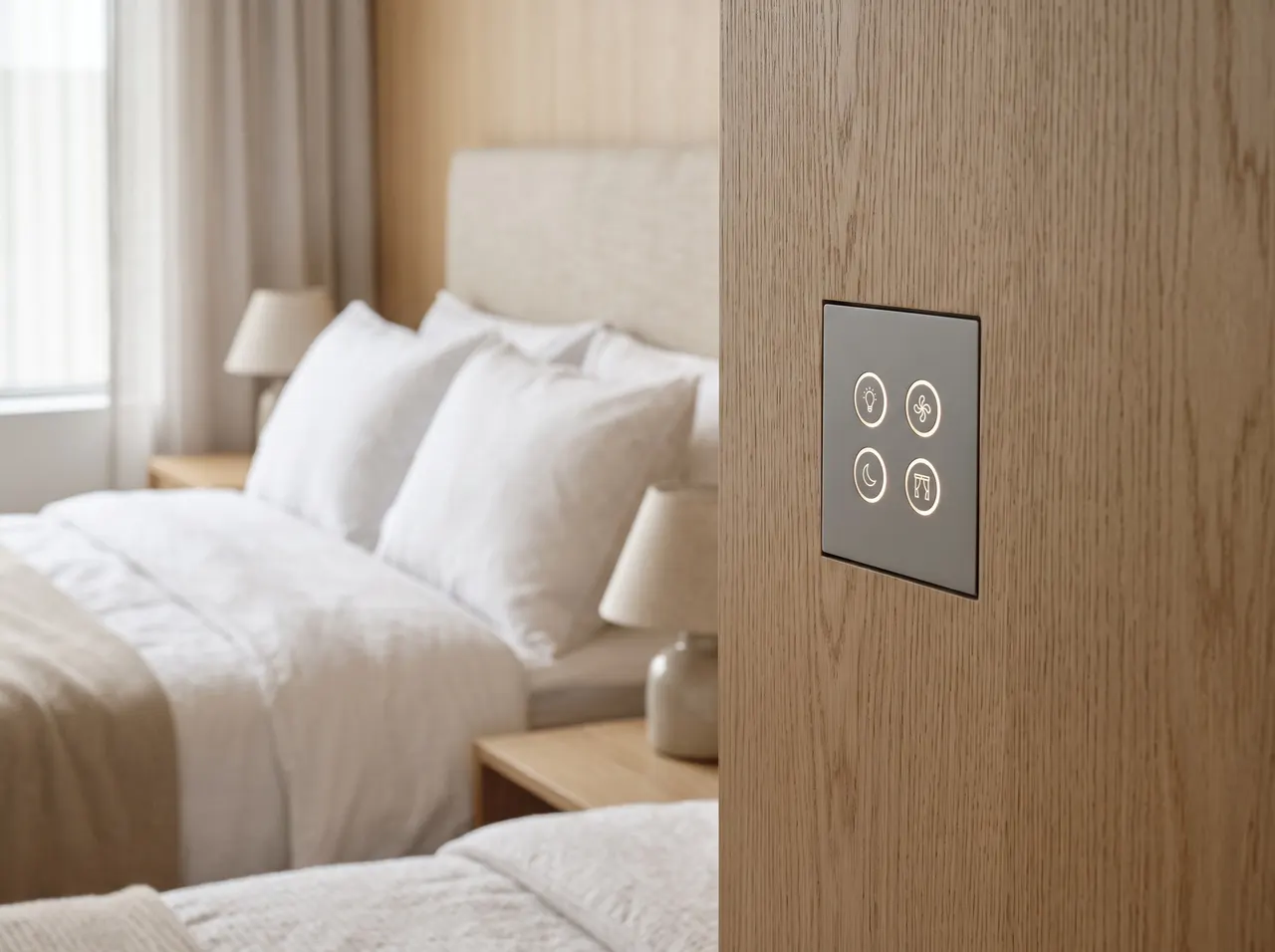
HosRocket connects to the room controllers already installed in your guest rooms, so you keep the hardware you have. A small server at the hotel talks to them over the hotel network and links them to the cloud.
- Room events as they happen: occupancy, doors, requests, temperature and faults
- Thermostat changes and room modes sent back to the room
- Connected through the on-site server, over the hotel's own network
RELIABILITY
Watching over the hotel, day and night
HosRocket does not only report what guests do. It also checks that the hotel's own systems are working, and tells you when they are not.
- Device healthRoom controllers, door locks and the on-site server report that they are alive; the Device Health page shows what is offline.
- Network and PMS linkHosRocket watches the hotel network and the link to the PMS, and opens an incident when one fails.
- One alert, not hundredsWhen the hotel network goes down, you receive one alert for the hotel instead of one for every room.
- Daily reportEvery day, the general manager receives the hotel at a glance by email: how full it is, and every room with a problem.
- Incidents until fixedEach problem opens an incident that stays open until it is resolved, so nothing is forgotten between shifts.
- Roles and audit logEach person sees only the pages of their role, and every change is recorded in the audit log.
INTEGRATIONS
Works with the systems you already run
HosRocket connects to property management, housekeeping and in-room systems, and opens its own data through an API.
- Opera PMSCheck-in, check-out and room changes, through FIAS.
- UniFocusMake-up and do-not-disturb requests pushed into UniFocus.
- FCSMake-up and do-not-disturb requests pushed by webhook.
- AielloAn in-room partner system, connected through the Control API.
- SmartbeingAn in-room partner system, connected through the Control API.
- Control API and webhooksRead rooms, check guests in and out, and receive room events, with a sandbox to build against.
- Saflok with dormakaba AmbianceDoor lock events on the same platform as room events.PILOT
ENGINEERING
Hardware and integration, built in-house
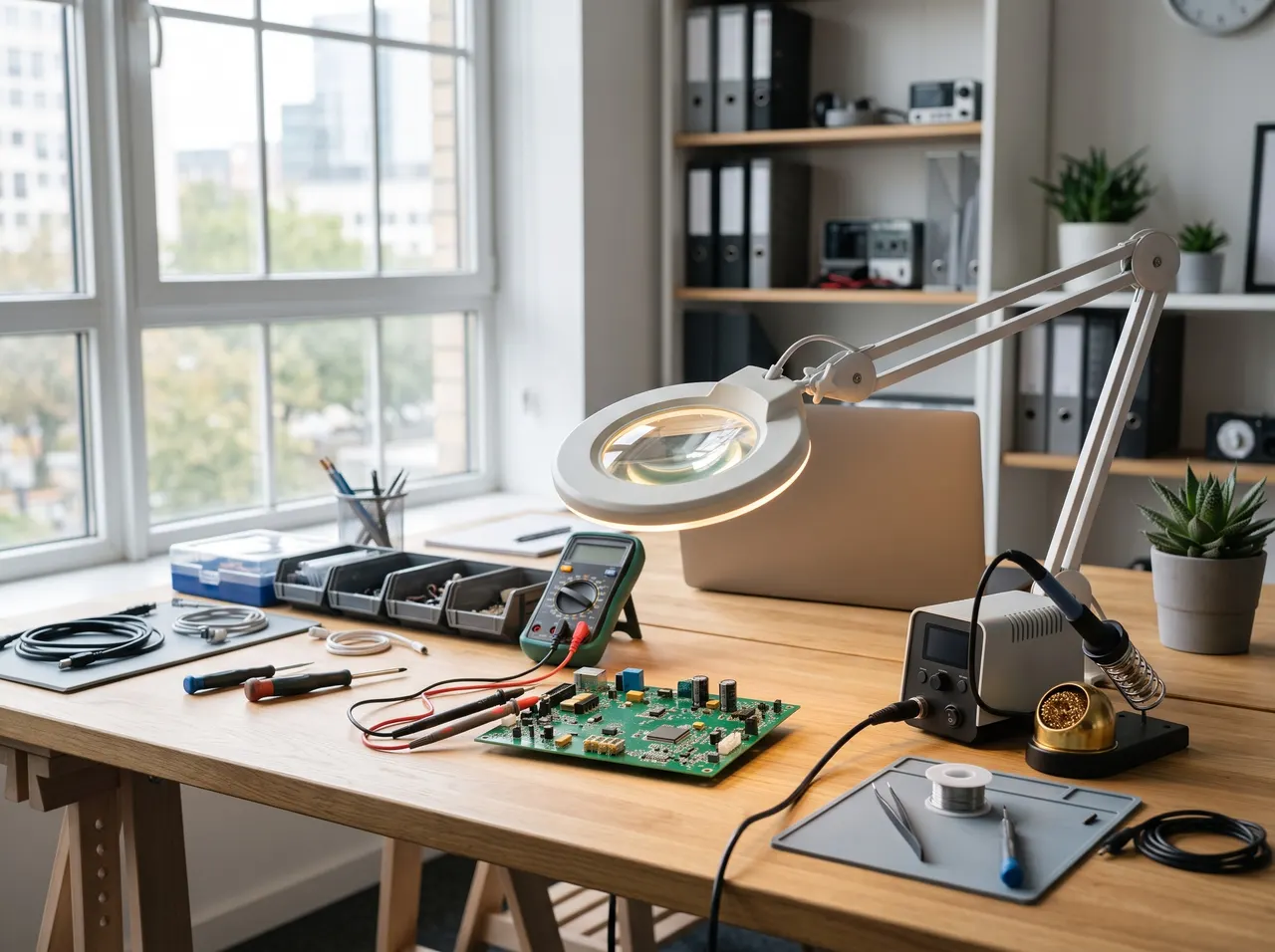
The team behind HosRocket also designs hardware and builds integrations for clients: interfacing devices, connecting systems, and building the web and mobile software around them.
- Hardware design and development
- Device interfacing and system integration
- Web and mobile software development
Let's talk about your hotel
Tell us how many rooms you have and which systems you use. We will show you HosRocket on a demo hotel.